Finding people

Three ways to find them. One list, scored.

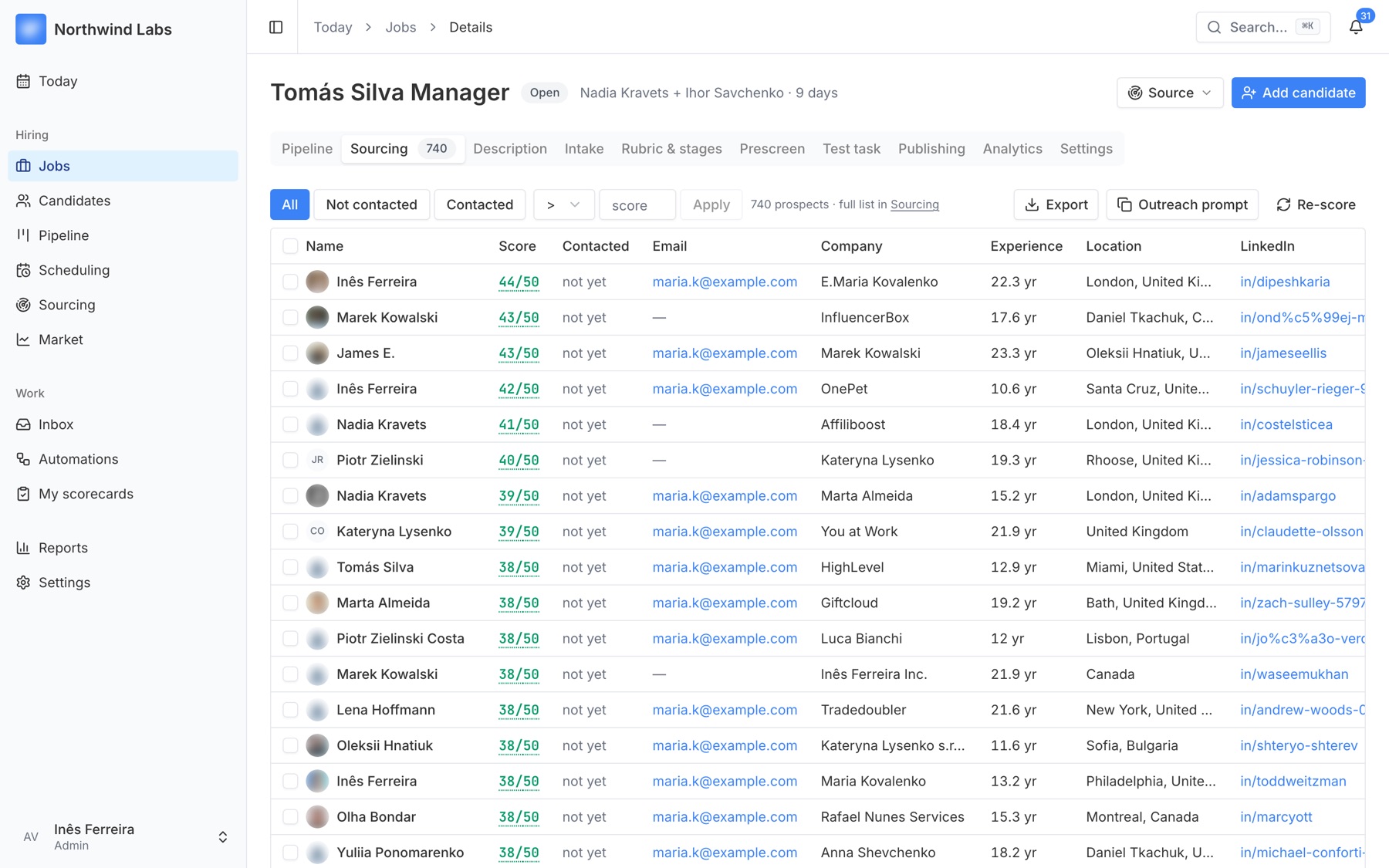
LinkedIn from your recruiter's own browser, contact databases with verified emails, or research across the open web. Every person lands in the same list with a score against your role and the reasons behind it.

LinkedIn, in your own browser

An AI assistant works inside your recruiter's logged-in Chrome on Sales Navigator. It reads result pages, never opens profiles one by one, and files people into your list. You stay in control of the account.

Contact databases

Search by title, experience and skills. See the count and the cost first. People already in your base are free. Personal emails come verified; work emails are never used for outreach.

Web research

For rare profiles: people who spoke at a conference, maintain an open-source tool, or write about the craft. Each find comes with a link to the evidence.

A score you can argue with.

Each person gets points per requirement, with a one-line reason. Hover to see the breakdown. It sorts the list; it never decides for you.

  • Honest zeros. If a profile doesn't show something, the reason says “not visible”, not a guess.
  • Your base first. Before spending a credit, see who you already know. People who reached a final round before are flagged as the warmest.
  • Re-score any time. Changed the must-haves? Fresh scores in a minute.
  • Bulk everything. Promote, mark contacted, export the filtered table.
Sourcing table with scores per candidate

Outreach that keeps your account, and your reputation, safe.

20/day

invites, 80 a week, and not one more.

Limits live on our side. No prompt, no setting, no eager colleague can raise them.

10–22

Messages go out in working hours only.

Browsing is allowed any time. Night-time invites are what gets accounts flagged.

1

security check pauses everything.

A CAPTCHA stops all LinkedIn activity for the whole team until a person looks and unpauses.

A polite, legal first message

Who you are, that you found their public profile, how to opt out. Built into the first touch every time, as GDPR requires.

“Not interested” means forever

One reply and the person is suppressed for good. Sequences stop the moment anyone answers, with a human or not.

Short sequences, your words

Three or four touches at most. Templates are sent as written; only the first name is filled in.

Nothing lives only on LinkedIn

Every person found and every reply is saved in your own database, so a restricted account never takes your pipeline with it.

Describe the role. Get the search.

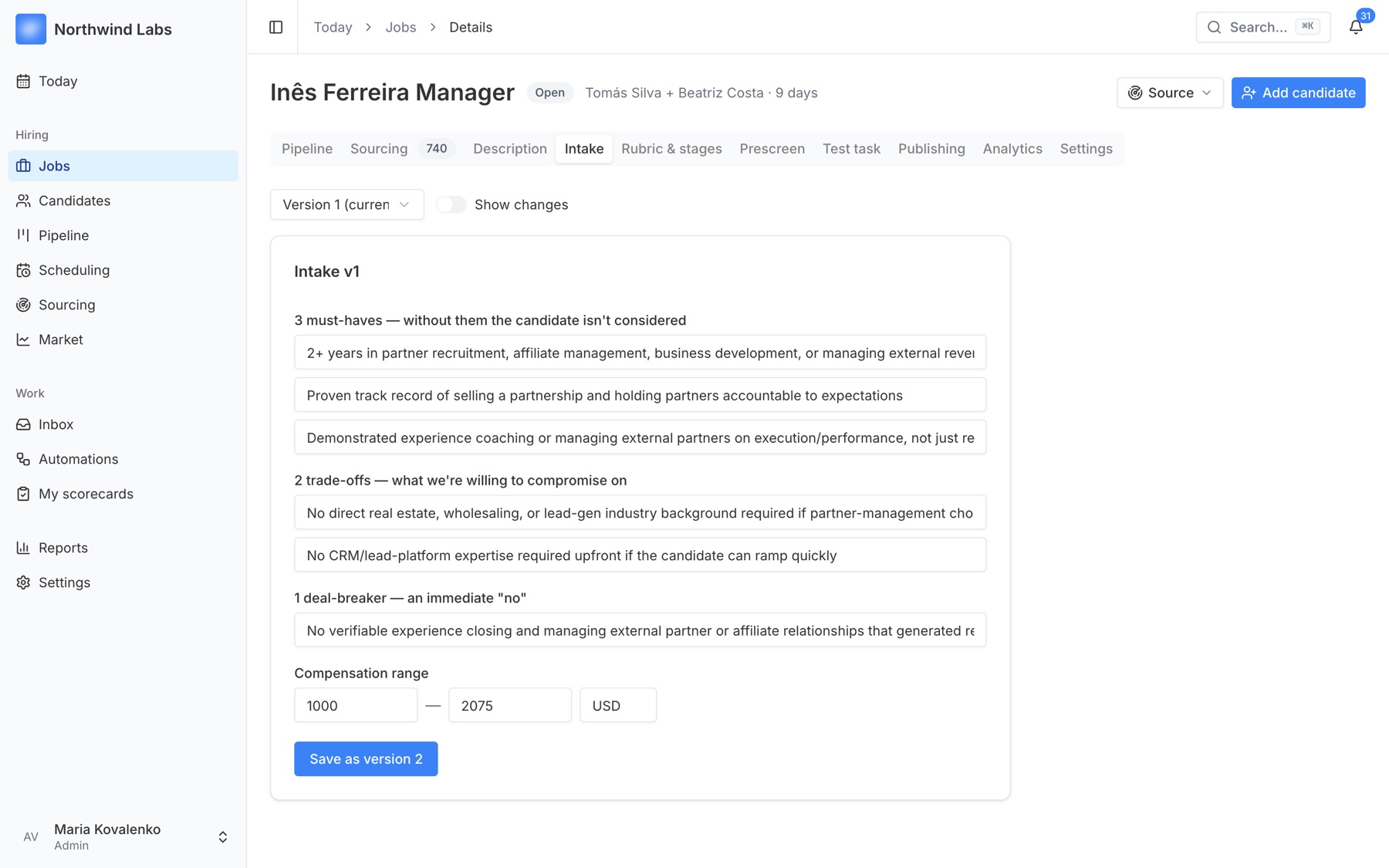
Type or dictate a few sentences about who you need. You get a job description, the three must-haves, two trade-offs and one deal-breaker, salary references for Ukraine, the EU and the US, and a ready-made search brief for LinkedIn.

Job intake: must-haves, trade-offs, deal-breaker

See it on one of your open roles.

A 30-minute session: we set up the role, run a first search, and turn one of your interview notes into a finished scorecard.